

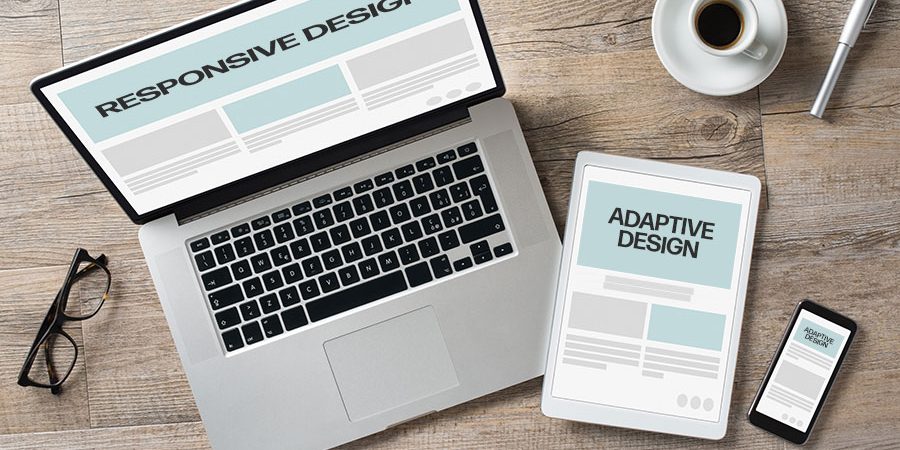
As users access websites from an ever-growing range of devices, creating flexible and user-friendly layouts has become essential. Two common approaches to tackling this challenge are adaptive design and responsive design. While they aim to improve usability across devices, they work in fundamentally different ways. Understanding these differences helps businesses and designers choose the right strategy for their needs.
What Is Responsive Design?
Responsive design uses a single, flexible layout that automatically adjusts to different screen sizes. It relies on fluid grids, flexible images, and CSS media queries to resize and reposition content based on the user’s viewport. Instead of creating separate layouts for different devices, responsive design adapts continuously, offering a consistent experience across desktops, tablets, and smartphones.
This approach is widely used because it is efficient and future-proof. As new screen sizes emerge, responsive layouts naturally adapt without requiring additional design work. For most modern websites, responsive design has become the standard solution.
What Is Adaptive Design?
Adaptive design takes a more controlled approach by using multiple fixed layouts designed for specific screen sizes or breakpoints. When a user visits the site, the system detects their device or screen width and delivers the most appropriate layout. Instead of resizing fluidly, the design “snaps” to a predefined version optimized for that device category.
This method allows designers to tailor the user experience more precisely. Each layout can be customized to suit the behavior and needs of users on specific devices, which can be especially useful for complex interfaces or performance-sensitive applications.
Key Differences Between Adaptive and Responsive Design
The main difference lies in flexibility. Responsive design adjusts continuously and smoothly across all screen sizes, while adaptive design switches between fixed layouts. Responsive design typically involves less maintenance because it uses a single codebase, whereas adaptive design requires managing multiple layouts.
Performance can also differ. Adaptive design may load faster in some cases because it delivers only the assets needed for a specific device. Responsive design may load more resources upfront, though modern optimization techniques have reduced this gap significantly.
Which Approach Is Better for User Experience?
From a user experience perspective, responsive design often provides a more seamless and predictable interaction. Users resizing their browser or switching devices encounter consistent behavior and layout adjustments. This consistency builds familiarity and reduces friction.
Adaptive design can offer a more tailored experience, especially when user behavior varies greatly between devices. For example, a complex enterprise dashboard might benefit from distinct desktop and tablet layouts. However, the transitions between layouts can feel less smooth compared to responsive design.
Choosing the Right Approach for Your Project
The right choice depends on your project goals, budget, and audience. Responsive design works well for content-driven websites, blogs, and marketing pages that need broad compatibility and long-term scalability. Adaptive design is better suited for applications where performance, precision, and device-specific customization are critical.
Many modern projects even combine both approaches, using responsive principles within adaptive breakpoints to get the best of both worlds.
Conclusion
Adaptive and responsive design both aim to improve cross-device usability, but they do so in different ways. Responsive design offers flexibility, simplicity, and future readiness, while adaptive design provides control and optimization for specific devices. By understanding their strengths and limitations, you can choose a design approach that delivers the best possible experience for your users.